Home
Nano Banana 2.1, GPT Image 2.5 and Seedream 5.0 Pro inside

Photcraft AI Photo Editor Online

Upload a photo and describe the change: a new background, a different outfit, corrected text on a poster, night instead of day. The AI photo editor keeps what you ask it to keep and returns the edit at up to 4K.

  • Edit with a prompt
  • Latest AI models
  • Up to 4K
Loading the AI photo editor…

Uploading a photo and generating require an account. Each edit uses credits based on the model and resolution you choose, and failed tasks are refunded automatically. Photcraft is independent of the open-source PhotoCraft editor.

AI photo editor prompts

Real images and the exact prompts behind them. Pick any image to load its prompt into the editor above, then swap in your own photo.

What you can edit

Four edits the AI photo editor makes from one prompt

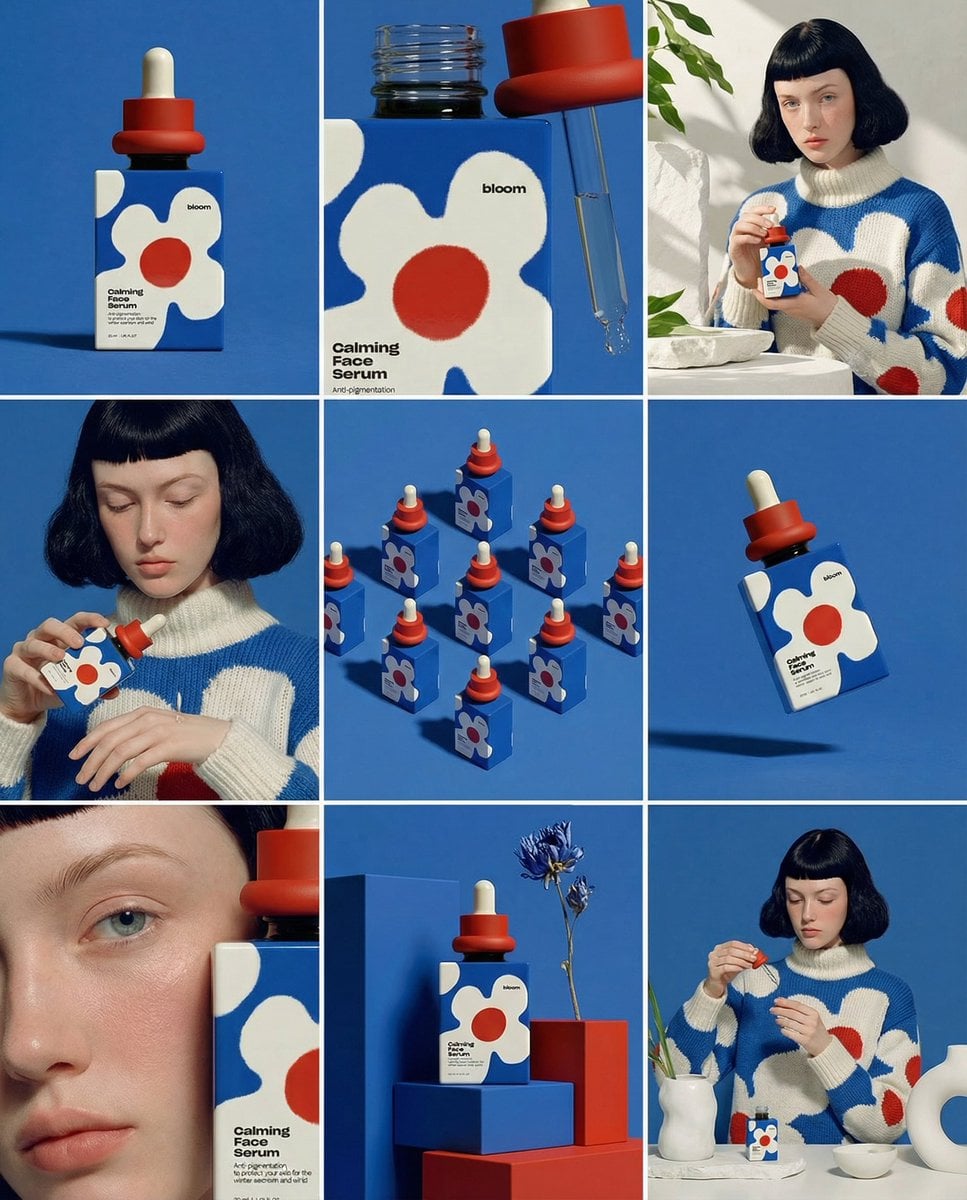
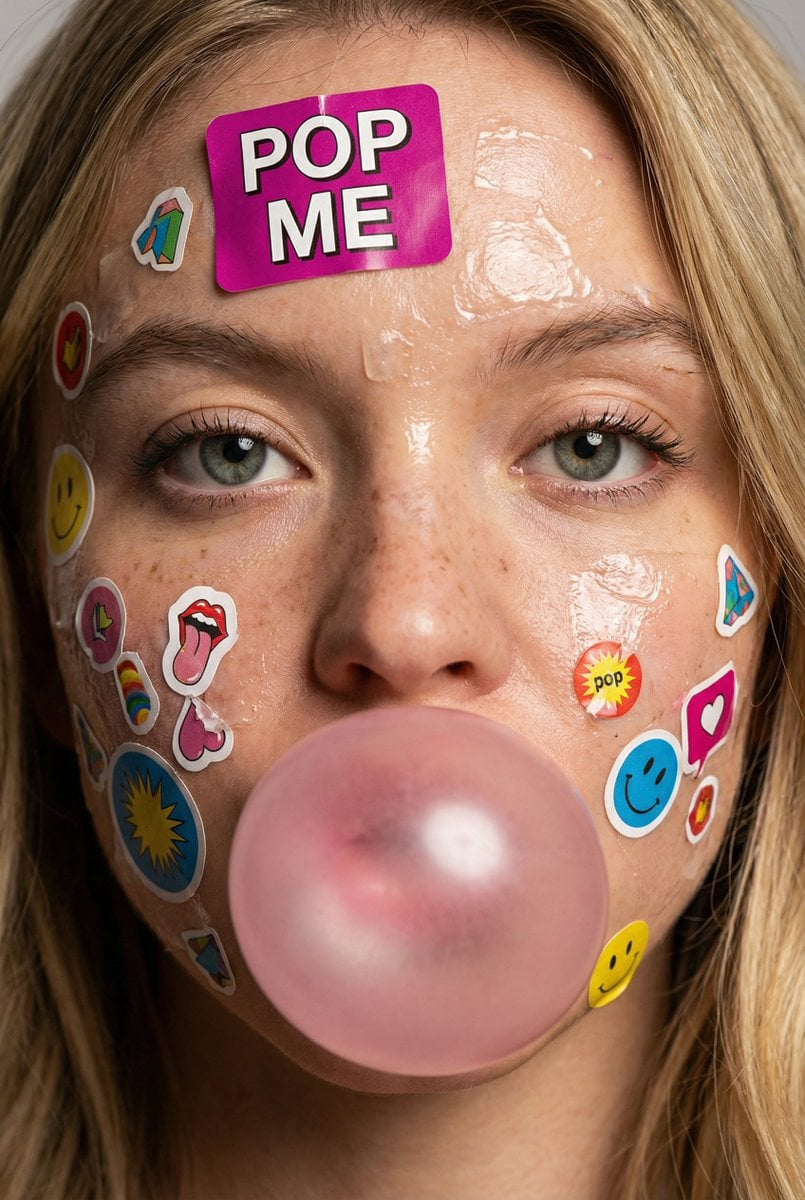
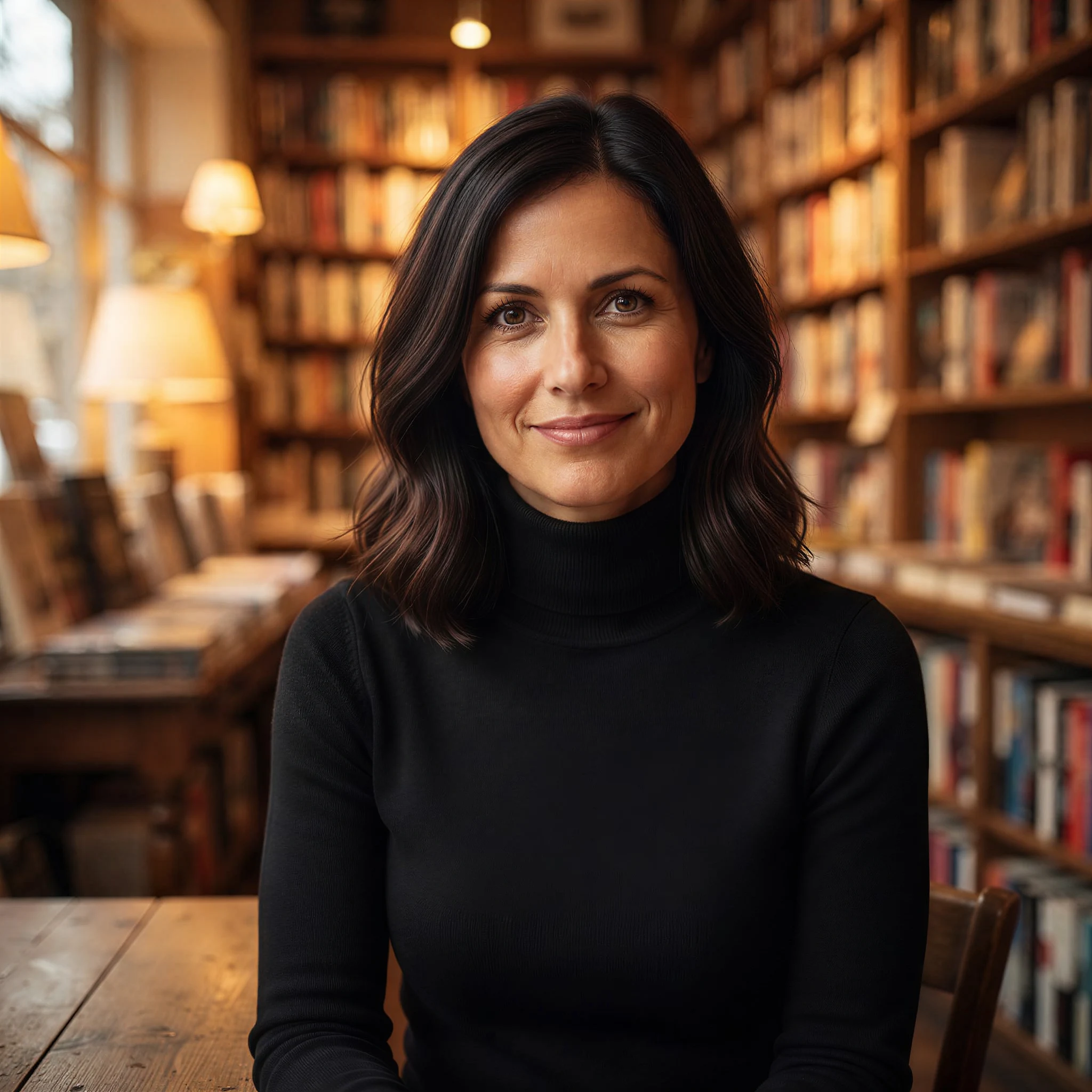
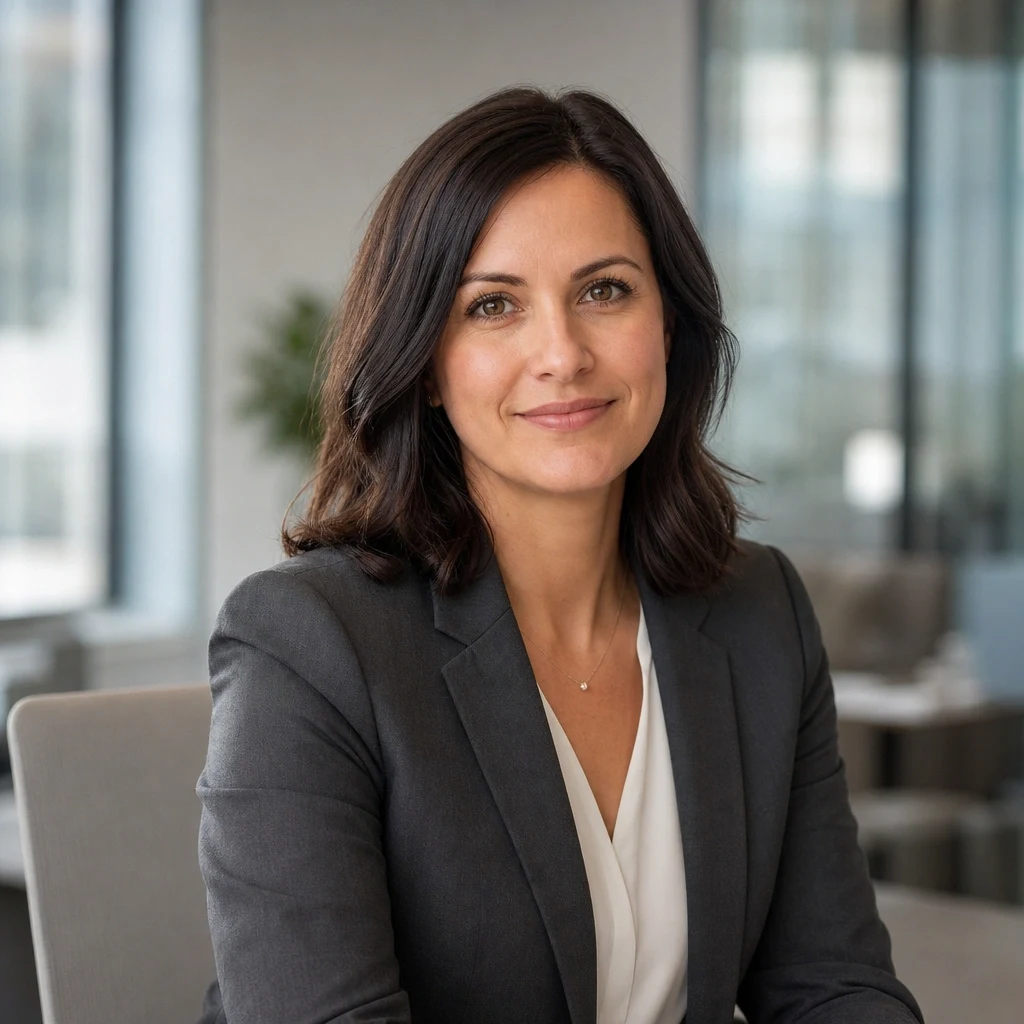
Change the outfit and the place, keep the person
Original

Change the outfit and the place, keep the person

Upload a portrait and say what changes and what stays: a black turtleneck instead of the blazer, a warm bookstore instead of the office, the same face, hair and expression. Naming what must not change is what keeps the person recognisable.

Open image to image
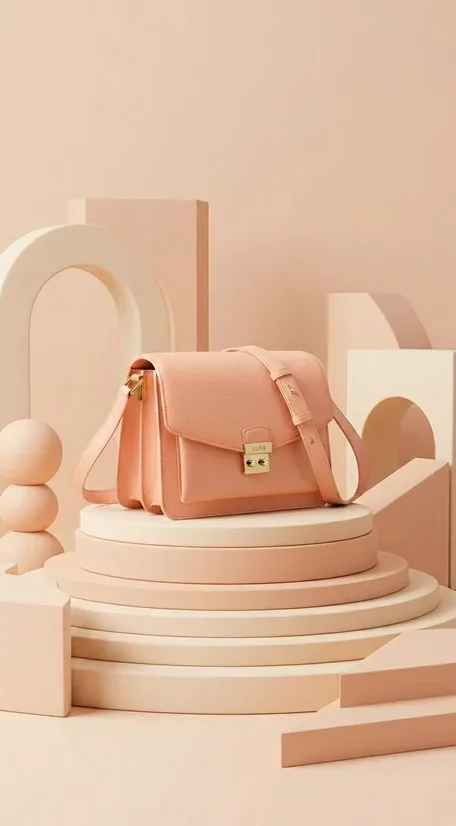
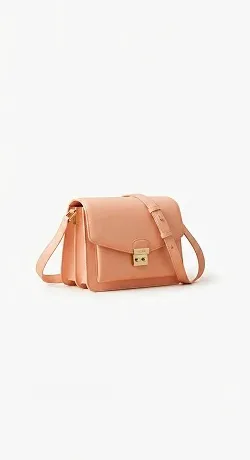
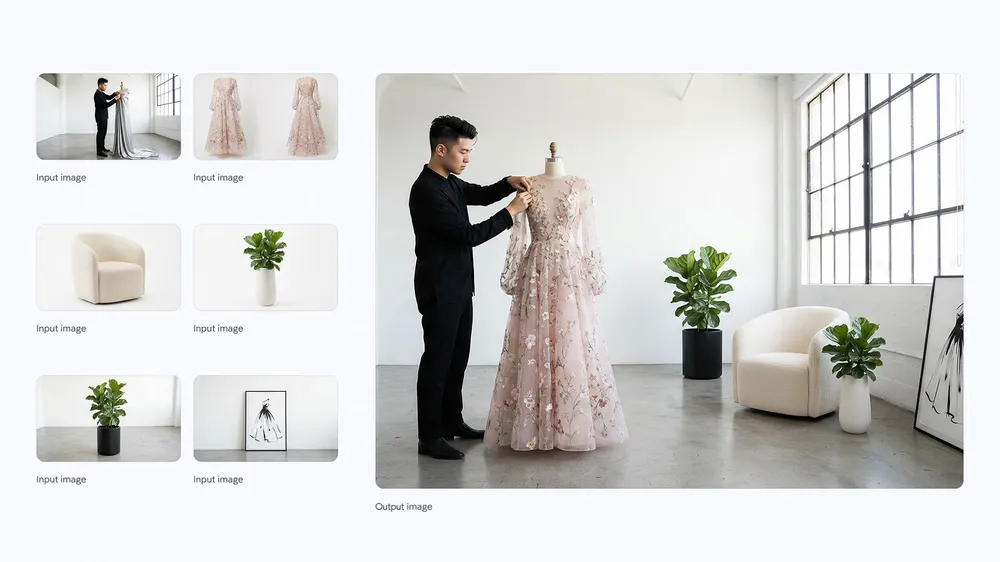
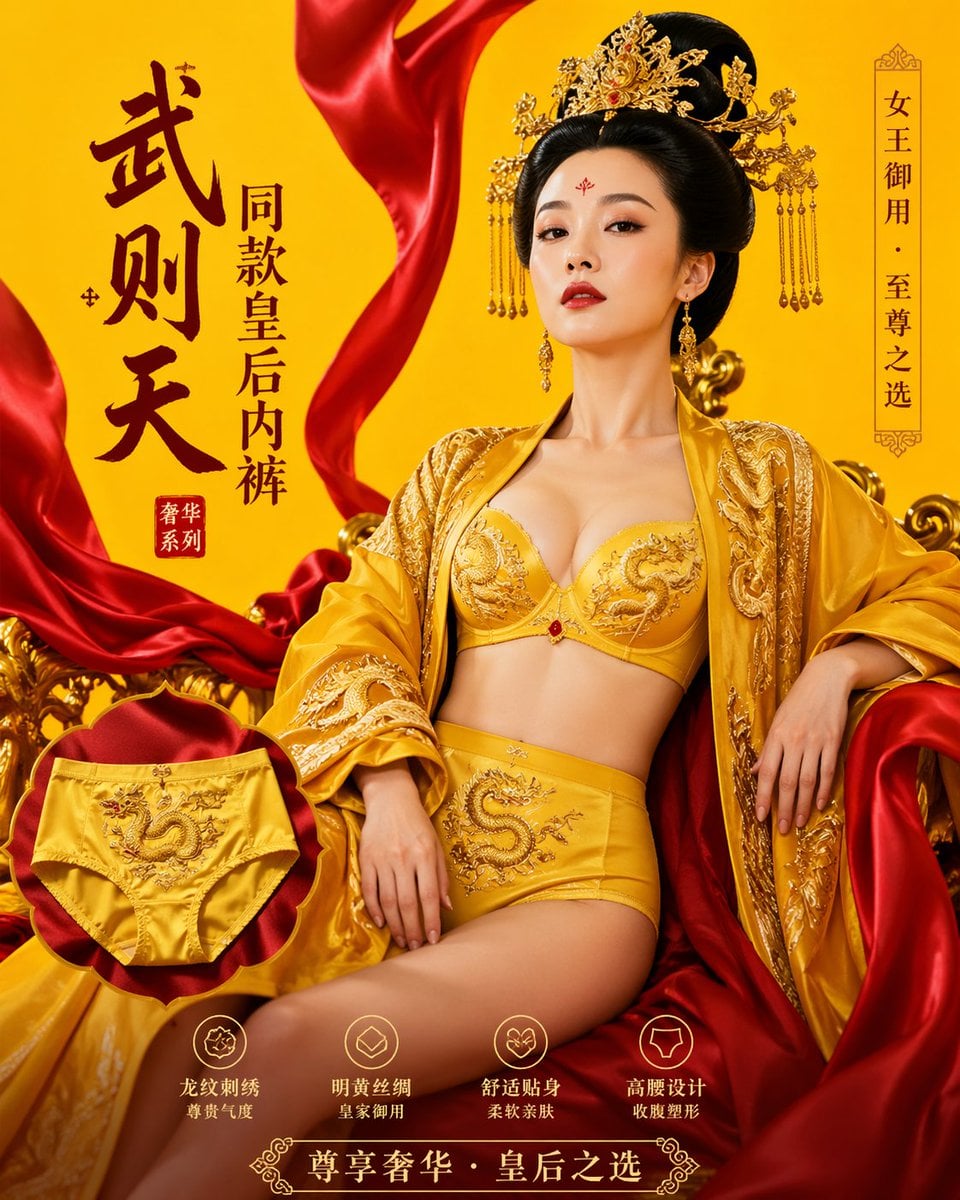
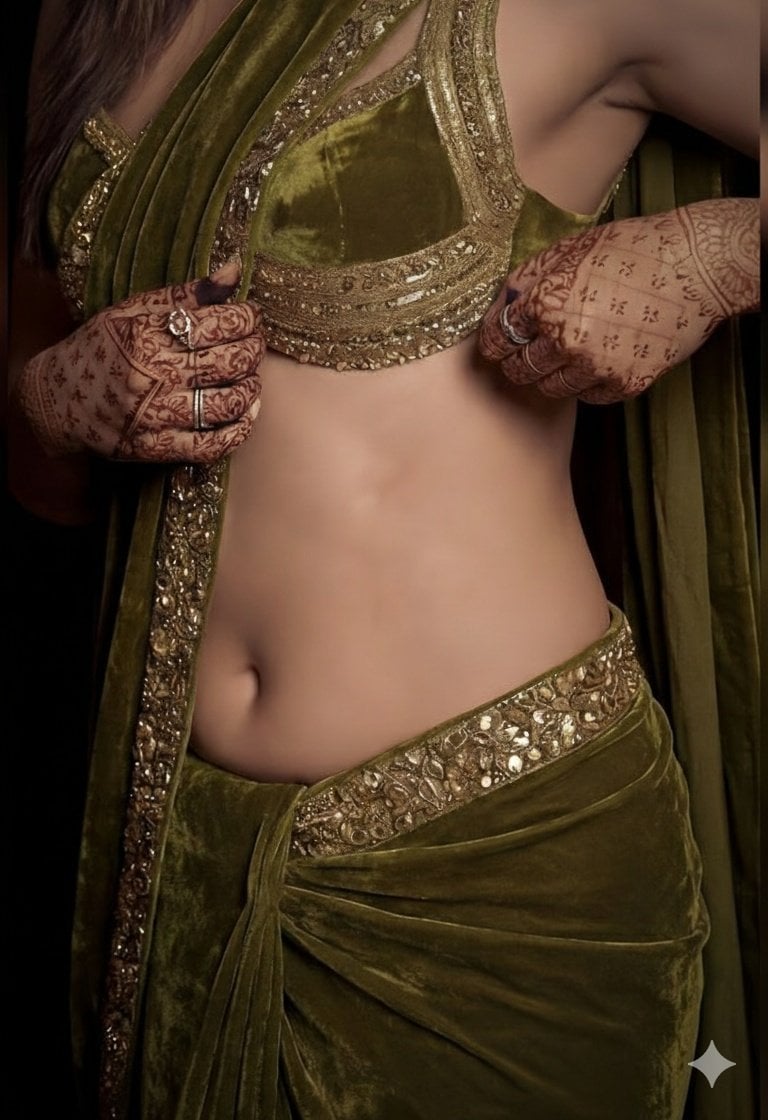
Turn a catalog shot into a product photo
Original

Turn a catalog shot into a product photo

Start from a plain product photo and describe the set: a pedestal, soft shapes, studio light. Ask the AI photo editor to keep the shape, stitching and colour exactly, and the product comes out ready for a listing or an ad.

Read the Nano Banana 2.1 guide
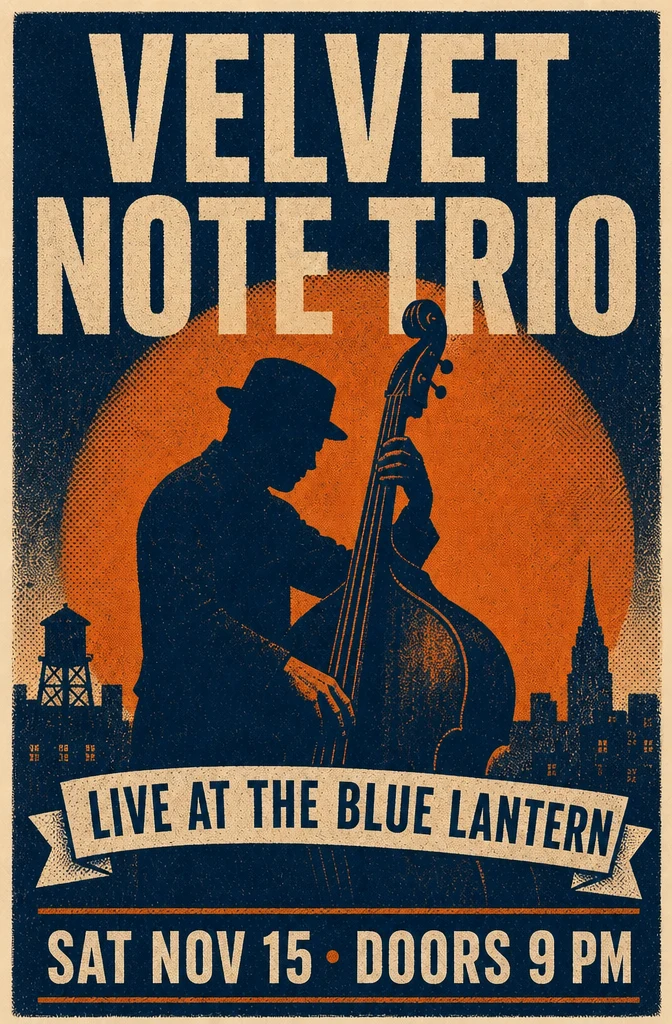
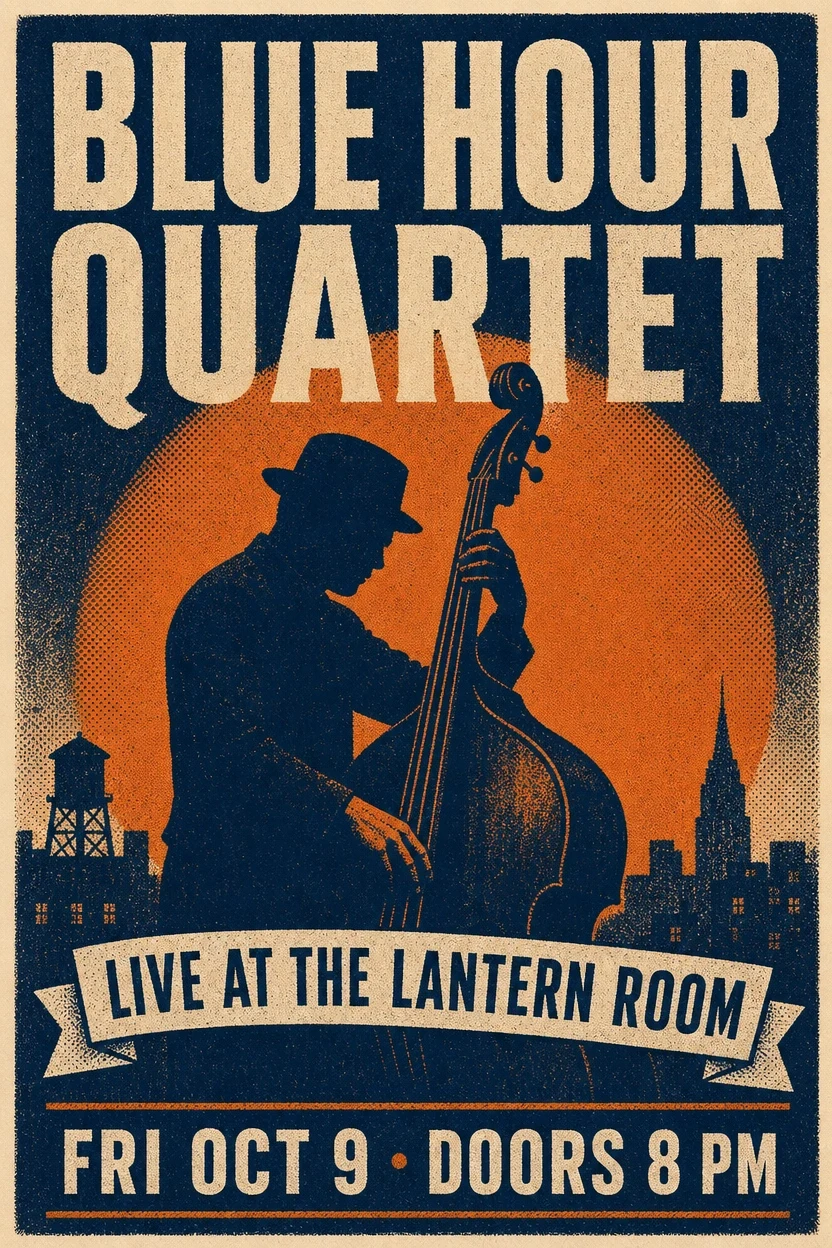
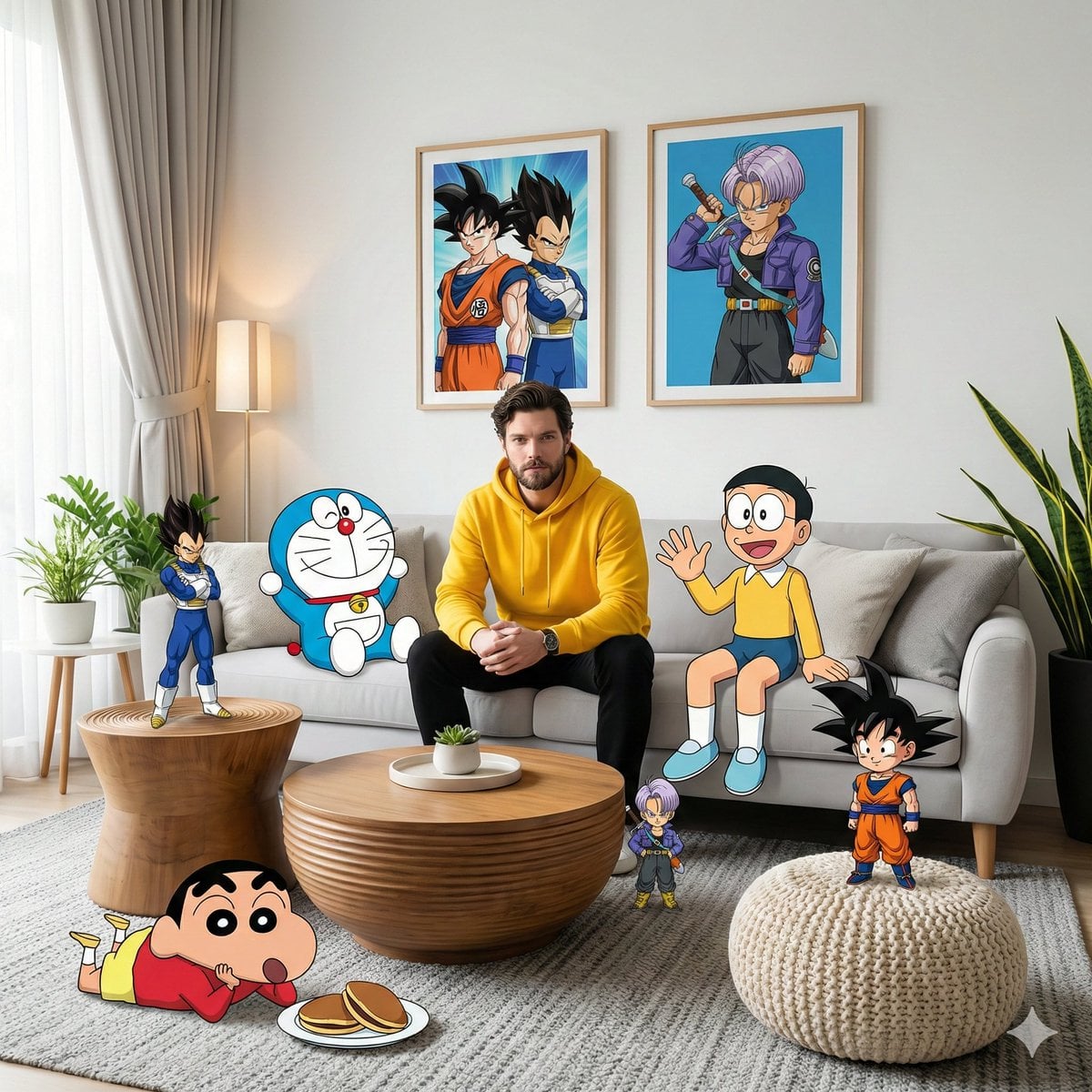
Edit the text inside an image
Original

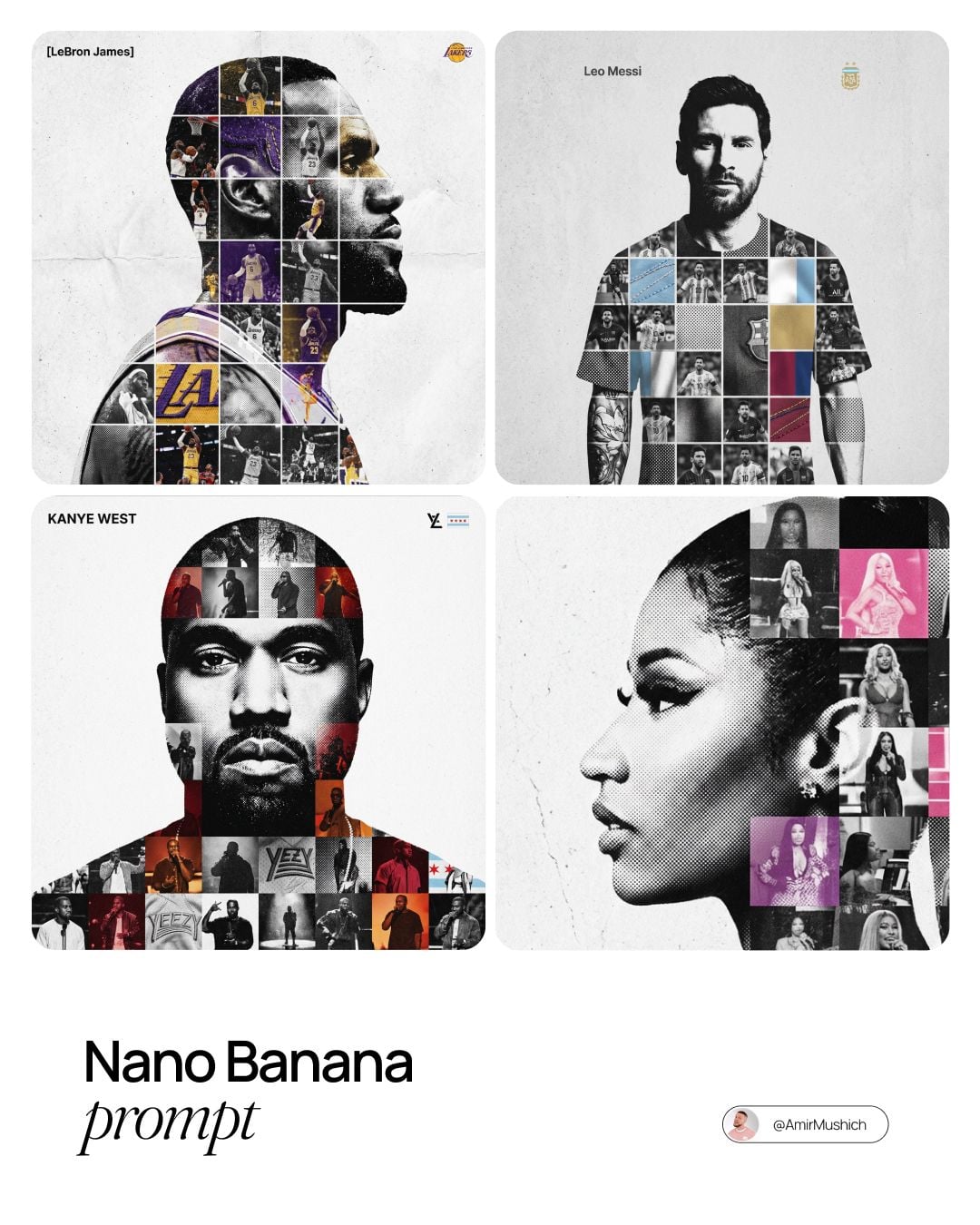
Edit the text inside an image

Retype a poster without redrawing it. Give the new title, venue and date, and ask the editor to preserve the illustration, the palette and the layout. GPT Image models are the strongest choice when the words have to come out spelled right.

Read the GPT Image 2 guide
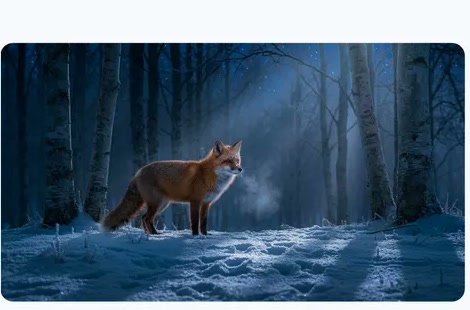
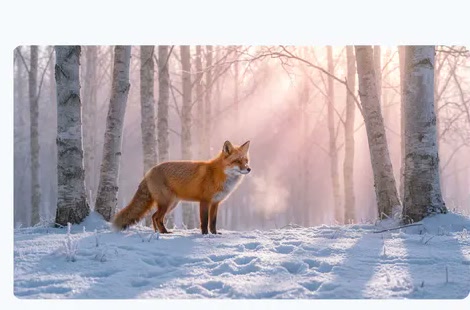
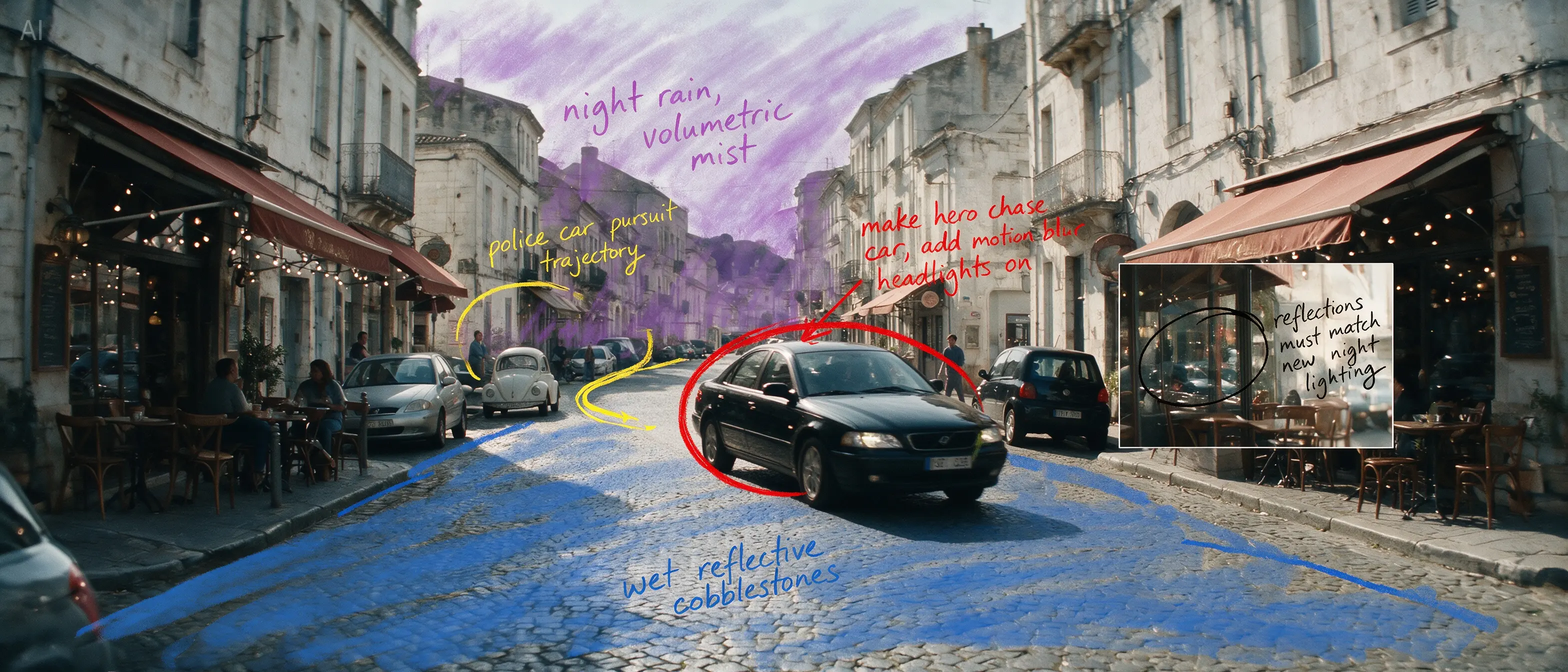
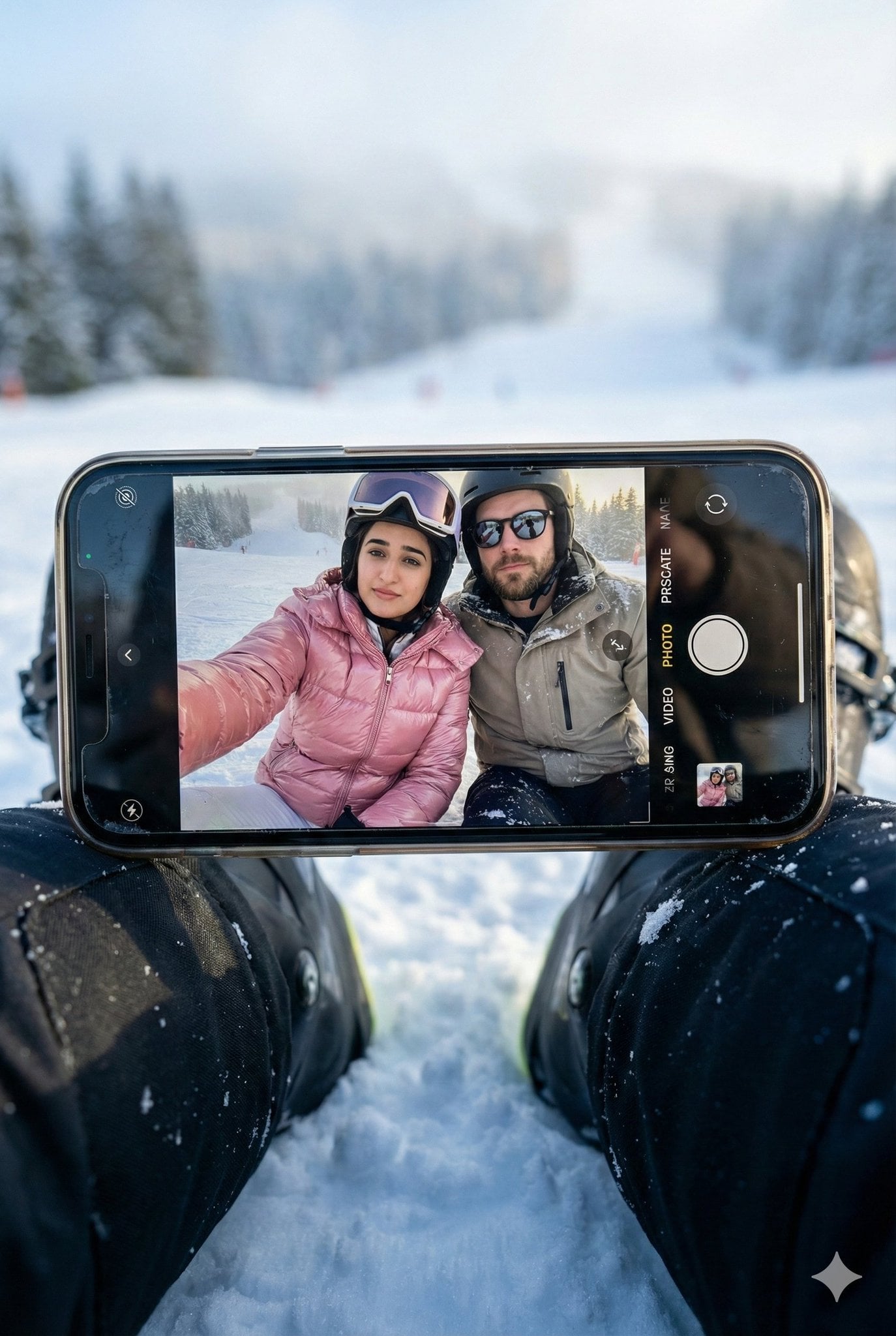
Relight a scene from day to night
Original

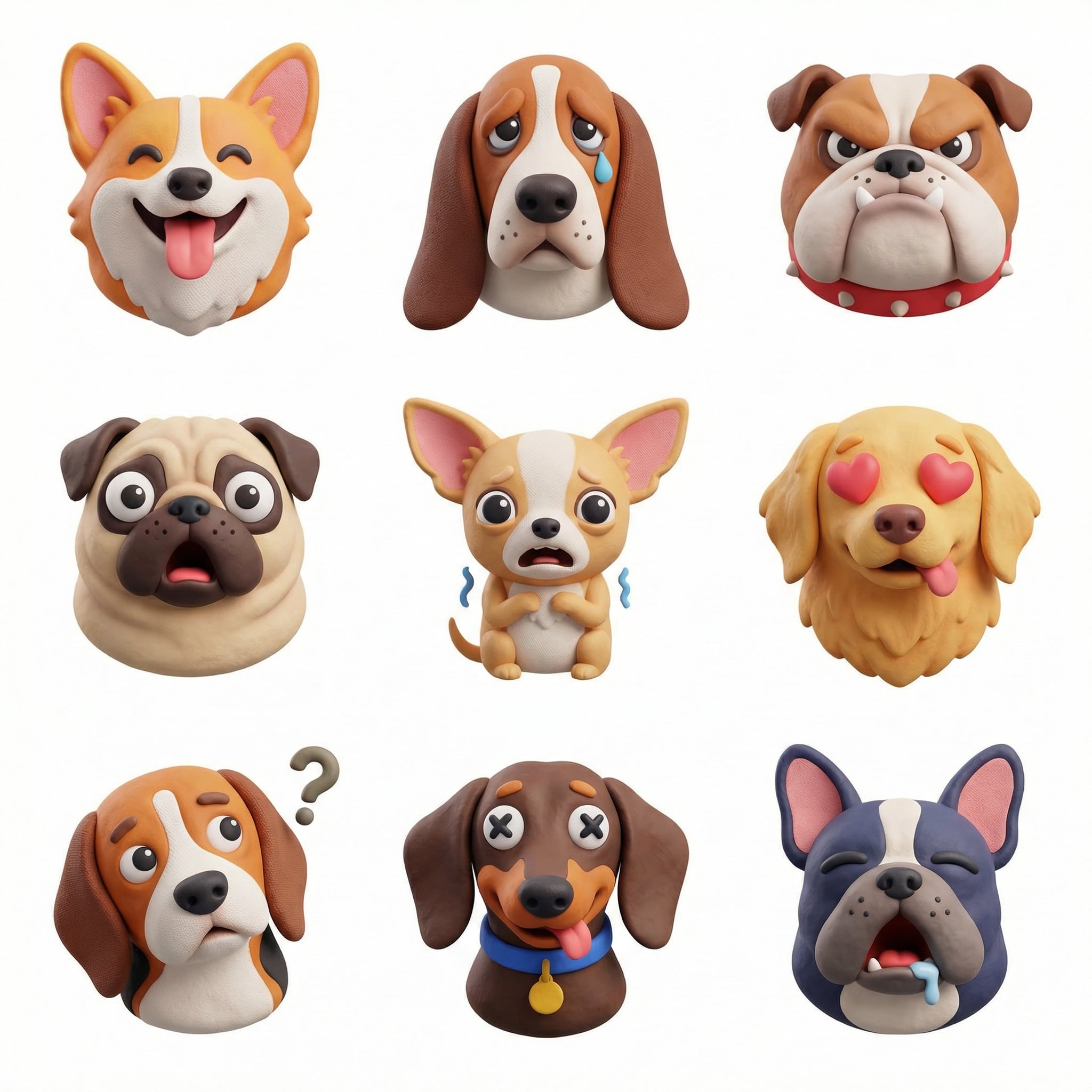
Relight a scene from day to night

Keep the subject where it is and change the light around it: daylight to moonlight, summer to snow, studio to golden hour. The AI photo editor holds the camera angle and composition, so the result reads as the same moment at another time.

Read the Nano Banana Pro guide

How to Use the AI Photo Editor

Three steps from the photo you have to the one you need, with the cost shown before anything runs.

Upload the photo

Upload the photo

Choose a sharp JPG, PNG or WebP with the subject clearly visible. Add more reference images when the edit needs a second look, such as an outfit or a logo.

Describe the change

Describe the change

Say what should change and what must stay: "replace the background with a beach at sunset, keep the person and the pose". Short and specific beats long and vague.

Pick a model and download

Pick a model and download

Choose a model and a resolution up to 4K. The credit cost shows on the button. Try another take if the first is close but not right, then download the one you keep.

Photcraft is built for photo edits

AI image models in one editor
8

AI image models in one editor

Highest output resolution
4K

Highest output resolution

Reference images on GPT Image 2.5
16

Reference images on GPT Image 2.5

Credit refund when a task fails
Auto

Credit refund when a task fails

Edit a photo, or start from a prompt

Two ways into the same AI photo editor, each with its own guide: change a picture you already have, or create a new one from words.

An AI photo editor that works from instructions

For everyday photos

A layer editor asks you to select, mask and paint.

The AI photo editor asks what you want: a cleaner background, a different jacket, warmer light.

Describe it in a sentence and compare a few takes instead of spending an evening with the brush tool.

For online stores and brands

Product photos need a set, and a set used to mean a studio day.

Upload the catalog shot you already have, describe the scene in the AI photo editor, and keep the product exactly as it is.

Make several versions for a listing, a banner or an ad and keep the one that works.

Photcraft and PhotoCraft

PhotoCraft is an open-source, layer-based image editor from the ArtCraft team, with masks and PSD files and no generative AI.

Photcraft is a separate, independent web app for the AI part: describe an edit and get a new image.

Make the edit here, then finish it in any layer editor you like.

Try it before you pay

You can open the AI photo editor, write a prompt and choose a model without an account, and the exact credit cost is shown before anything runs. Every image model works on every account, and failed edits refund their credits automatically.

Photcraft AI photo editor pricing

Pay for the AI photo editor with a plan or a one-time credit pack. Every model uses the same credits, the cost is shown before each edit, and failed tasks are refunded automatically.

Plus

25% OFF

For first-time AI creators

$19.9

$14.9/month

$179 billed yearly

Get started

Save $60 compared to monthly

1,000 Credits/month

12,000 credits granted for the full year

Estimated monthly output

1,000Images
125Videos
166Songs

What you get

  • 2 generations running in parallel
  • Batch up to 20 images at once
  • All 8 image models
    GPT Image 2.5 FlareGPT Image 2.5 SunburstGPT Image 2
  • All 13 video models
    H3 Max TurboSeedance 2.5Veo 3.1Gemini Omni
  • Music and sound
    Suno v5.5MiniMax Music 3
  • HD, Watermark-Free Downloads
  • Early access to advanced AI features
  • Commercial use, within each model’s terms
Popular

Pro

30% OFF

For everyday AI creation

$49.9

$34.9/month

$419 billed yearly

Get started

Save $180 compared to monthly

2,500 Credits/month

30,000 credits granted for the full year

Estimated monthly output

2,500Images
312Videos
416Songs

What you get

  • 4 generations running in parallel
  • Batch up to 50 images at once
  • All 8 image models
    GPT Image 2.5 FlareGPT Image 2.5 SunburstGPT Image 2
  • All 13 video models
    H3 Max TurboSeedance 2.5Veo 3.1Gemini Omni
  • Music and sound
    Suno v5.5MiniMax Music 3
  • HD, Watermark-Free Downloads
  • Early access to advanced AI features
  • Commercial use, within each model’s terms

Max

40% OFF

For ambitious AI projects

$99.9

$59.9/month

$719 billed yearly

Get started

Save $480 compared to monthly

5,000 Credits/month

60,000 credits granted for the full year

Estimated monthly output

5,000Images
625Videos
833Songs

What you get

  • 8 generations running in parallel
  • Batch up to 200 images at once
  • All 8 image models
    GPT Image 2.5 FlareGPT Image 2.5 SunburstGPT Image 2
  • All 13 video models
    H3 Max TurboSeedance 2.5Veo 3.1Gemini Omni
  • Music and sound
    Suno v5.5MiniMax Music 3
  • HD, Watermark-Free Downloads
  • Early access to advanced AI features
  • Commercial use, within each model’s terms

Photcraft AI photo editor FAQ

How Photcraft works: models, pricing, watermarks, formats, privacy and rights.

Updated October 2026

What is Photcraft?

Photcraft is an AI photo editor that runs in the browser. You upload a photo, describe the change in plain words, pick a model such as Nano Banana 2.1 or GPT Image 2.5, and get the edited image back. With no photo, it creates a new image from your prompt.

Is Photcraft the same as PhotoCraft?

No. Photcraft at photcraft.org is an independent AI photo editor. It is not affiliated with, or endorsed by, the ArtCraft team or the open-source PhotoCraft project, which is a separate layer-based editor without generative AI. Accounts, credits and pricing on photcraft.org apply only here.

How do I edit a photo with AI?

Upload the photo in the AI photo editor at the top of this page, then write what should change and what must stay the same, for example "change the jacket to a black turtleneck, keep the face and the pose". Choose a model and a resolution, and generate. If the result is close but not right, change one detail in the prompt and try again.

Which AI models does Photcraft use?

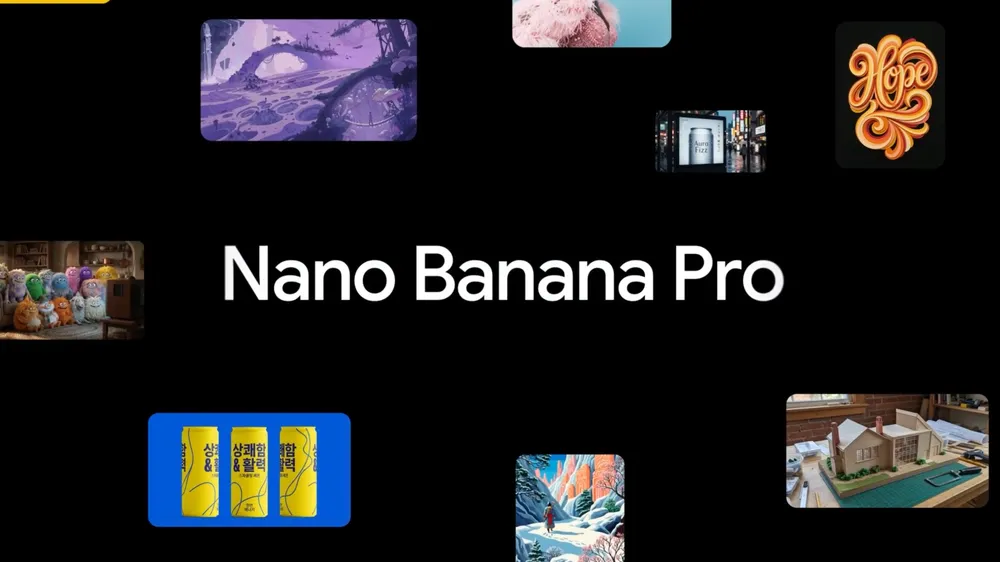
Photcraft runs 8 image models behind the same controls, including Nano Banana 2.1, Nano Banana 2 and Nano Banana Pro from Google, GPT Image 2.5 and GPT Image 2 from OpenAI, and Seedream 5.0 Pro from ByteDance. The makers describe each model in their own announcements, linked below.

Can it change the background or remove objects?

Yes, by asking the AI photo editor for it in the prompt: "replace the background with a white studio wall" or "remove the people in the background, keep the street". The model redraws the image around what you asked to keep, so check fine details such as hands, text and edges in the result.

Can I edit the text inside an image?

Yes. Write the exact new words and where they go, and ask the AI photo editor to keep the rest of the design. GPT Image 2 and GPT Image 2.5 are the most reliable for spelling and typography.

Read the GPT Image 2 guide

Does Photcraft open PSD files or keep layers?

No. The Photcraft AI photo editor takes JPG, PNG or WebP photos and returns a flat image. For layers, masks and PSD files, use a layer editor such as PhotoCraft, GIMP or Photoshop, and bring the AI edit in as a new layer.

How much does it cost?

Edits use credits, and the exact cost depends on the model, the resolution and the quality setting. It is shown on the button before a task starts. Credits come with a plan or a one-time credit pack, and new accounts may receive starter credits while a sign-up offer is running.

See plans and credit packs

Can I try it before paying?

Yes, in steps. Without an account you can open the AI photo editor, write a prompt and choose a model, and the credit cost is shown before anything runs. Uploading a photo and generating need an account. New accounts may receive starter credits while a sign-up offer is running; the amount is shown when you sign up. Downloads from accounts that have never made a purchase carry a photcraft.org watermark, which any purchase removes.

See plans and credit packs

Do edited images have a watermark?

Downloads from accounts that have never made a purchase carry a photcraft.org watermark. Any purchase, a plan or a credit pack, removes it, and images you made before can then be downloaded without the watermark too.

Do I need an account?

You can open the AI photo editor, write a prompt and choose a model without an account. Uploading a photo and generating require signing in, because uploads are stored in your account.

What happens to the photos I upload?

When you generate, the prompt and the images needed for that task are sent to the provider that runs the model you chose. Your uploads and results stay in your account until you delete them, and you can delete files or your whole account at any time. Providers have their own retention practices, so avoid uploading confidential material.

Read the privacy policy

Can I use the edited images commercially?

Photcraft does not claim ownership of what you generate. Whether an image can be used commercially depends on the law where you are and the terms of the model you chose; each model page links to its maker’s own announcement. Avoid editing real people, trademarks and copyrighted material you have no right to use.

What resolutions and formats are supported?

Most models in the AI photo editor output 1K, 2K or 4K images; Seedream 5.0 Pro goes up to 2K. Every model offers 1:1, 3:4, 9:16 and 16:9 among its aspect ratios. Uploads can be JPG, PNG or WebP, and GPT Image 2.5 can also save PNG, JPEG or WebP and a transparent background.

What happens if an edit fails?

Failed tasks are refunded to your balance automatically. Most edits finish within a minute or two; 4K and high-quality settings take longer, and progress is shown while the task runs.